
The True Cost of Not Maintaining Your Website (And How to Fix It)
Introduction: The Myth of the 'Finished' Website
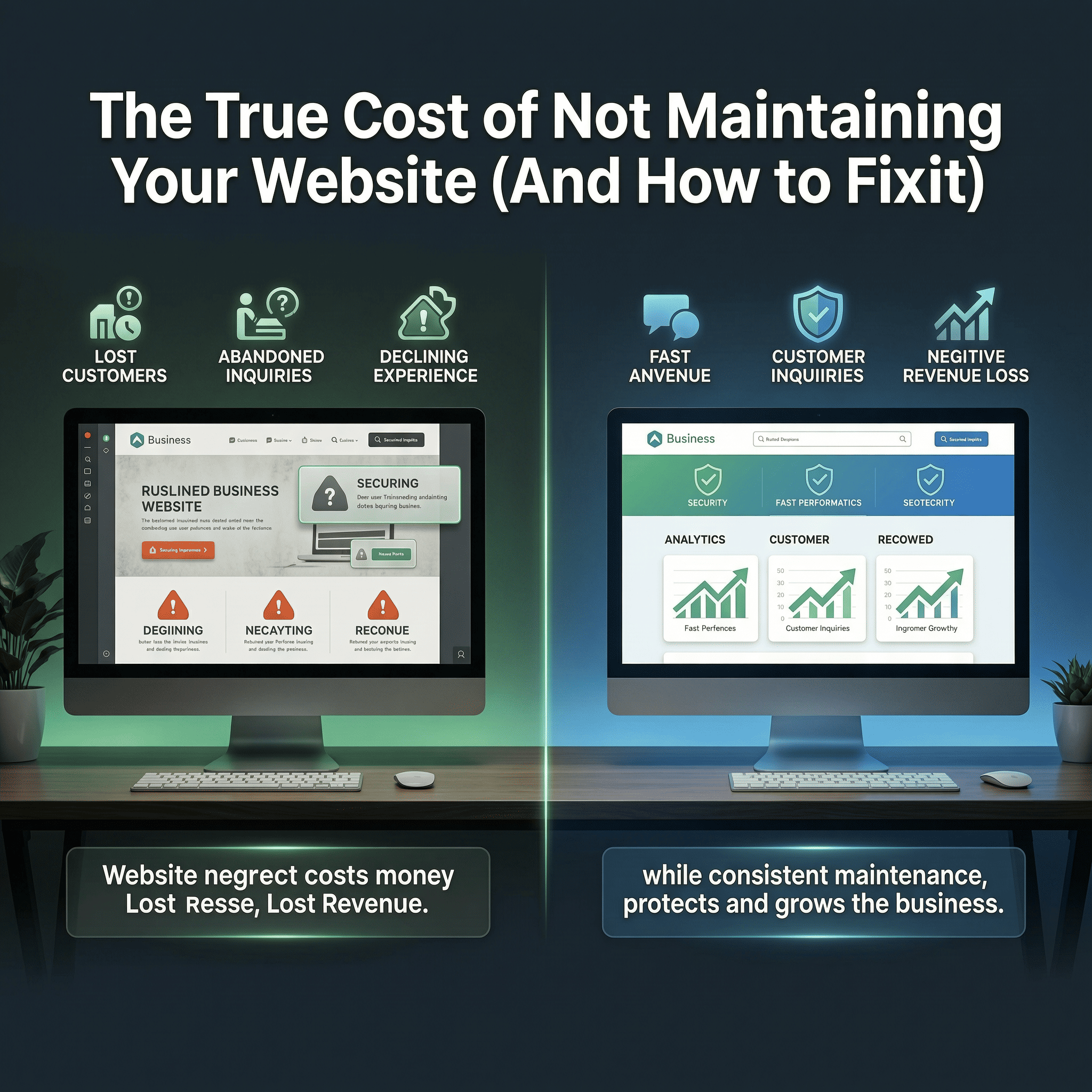
One of the most dangerous misconceptions in the digital world is that a website is a one-time project. Many business owners believe that once a website is launched, the work is done. The reality is that a website is a living, breathing digital entity. Without regular, proactive maintenance, it will degrade, slow down, and eventually break. Let's explore the true cost of neglecting website maintenance and how it directly impacts your bottom line.
1. The Devastating Impact of Security Breaches
The internet is constantly evolving, and unfortunately, so are hackers. If your website uses a Content Management System (CMS) like WordPress, you rely on core software, themes, and plugins. Developers regularly release updates to patch security vulnerabilities. If you ignore these updates, you are leaving your digital front door wide open.
A hacked website is a nightmare. It can lead to the theft of sensitive customer data, distribution of malware to your visitors, and complete deletion of your content. The cost to hire a specialist to clean and restore a hacked website is exponentially higher than a monthly maintenance plan.
2. Plummeting Search Engine Rankings (SEO)
Google and other search engines prioritize the user experience above all else. If your website is not maintained, it will inevitably suffer from broken links, outdated content, and most critically, slow loading times.
Search engine algorithms actively penalize websites that are slow or provide a poor user experience. If your database becomes bloated or your image files aren't optimized over time, your ranking will drop. A drop in ranking means less traffic, which translates directly to lost sales.
3. The Loss of Customer Trust
Your website is often the first impression a potential customer has of your business. Imagine a prospect visiting your site, only to find that the layout is broken on their mobile device, images are missing, or the 'Contact Us' form returns an error. What does that say about your business? It communicates negligence and unprofessionalism.
Customers will instantly leave a broken website and go straight to your competitor. Regular maintenance ensures that every button, form, and page functions flawlessly, providing a seamless experience that builds trust.
4. The Essential Website Maintenance Checklist
What exactly does proper website maintenance entail? A comprehensive maintenance strategy should include the following:
- Daily Cloud Backups: Secure backups stored off-site so that if the worst happens, your site can be restored in minutes.
- Weekly Software Updates: Updating the CMS core, themes, and plugins to ensure maximum security and compatibility.
- Monthly Performance Audits: Checking loading speeds and optimizing databases to keep the site running fast.
- Security Monitoring: 24/7 scanning for malware and unauthorized login attempts.
- Uptime Monitoring: Ensuring you are instantly notified if your server goes offline.
5. Why You Shouldn't Do It Yourself
As a business owner, your time is highly valuable. Spending hours trying to figure out why a plugin update broke your layout is not a profitable use of your time. Furthermore, without technical expertise, you might accidentally cause more damage while trying to fix an issue.
Conclusion: Peace of Mind is Priceless
Website maintenance is like changing the oil in your car; it's a small recurring investment that prevents a catastrophic engine failure down the road. Don't wait until your website is hacked or broken to realize its value.
Protect your digital asset today. Josmith Services offers comprehensive, affordable website maintenance packages (AMC) designed to keep your site secure, fast, and always online. Let us handle the tech so you can focus on your business.
Frequently Asked Questions (FAQs)
Q1: What happens if my website breaks after a plugin update?
A: With a professional maintenance plan, updates are tested in a safe staging environment first. If an issue occurs, we fix the code or roll back the update immediately without affecting your live site.
Q2: How often should my website be backed up?
A: For static sites, weekly backups may suffice. However, for active blogs or e-commerce sites, daily or even real-time backups are essential.
Q3: Is maintenance necessary if I don't get much traffic?
A: Yes. Hackers use automated bots that scan the entire internet for vulnerable sites, regardless of traffic volume. Your site can be targeted even if you only get 10 visitors a day.
